Supply Shield: user manual
Supplier risk, stock cover and continuity plans. For importers, shops, restaurants, factories and service firms.
Open Supply Shield Try the demo
Watch: the whole app in under a minute
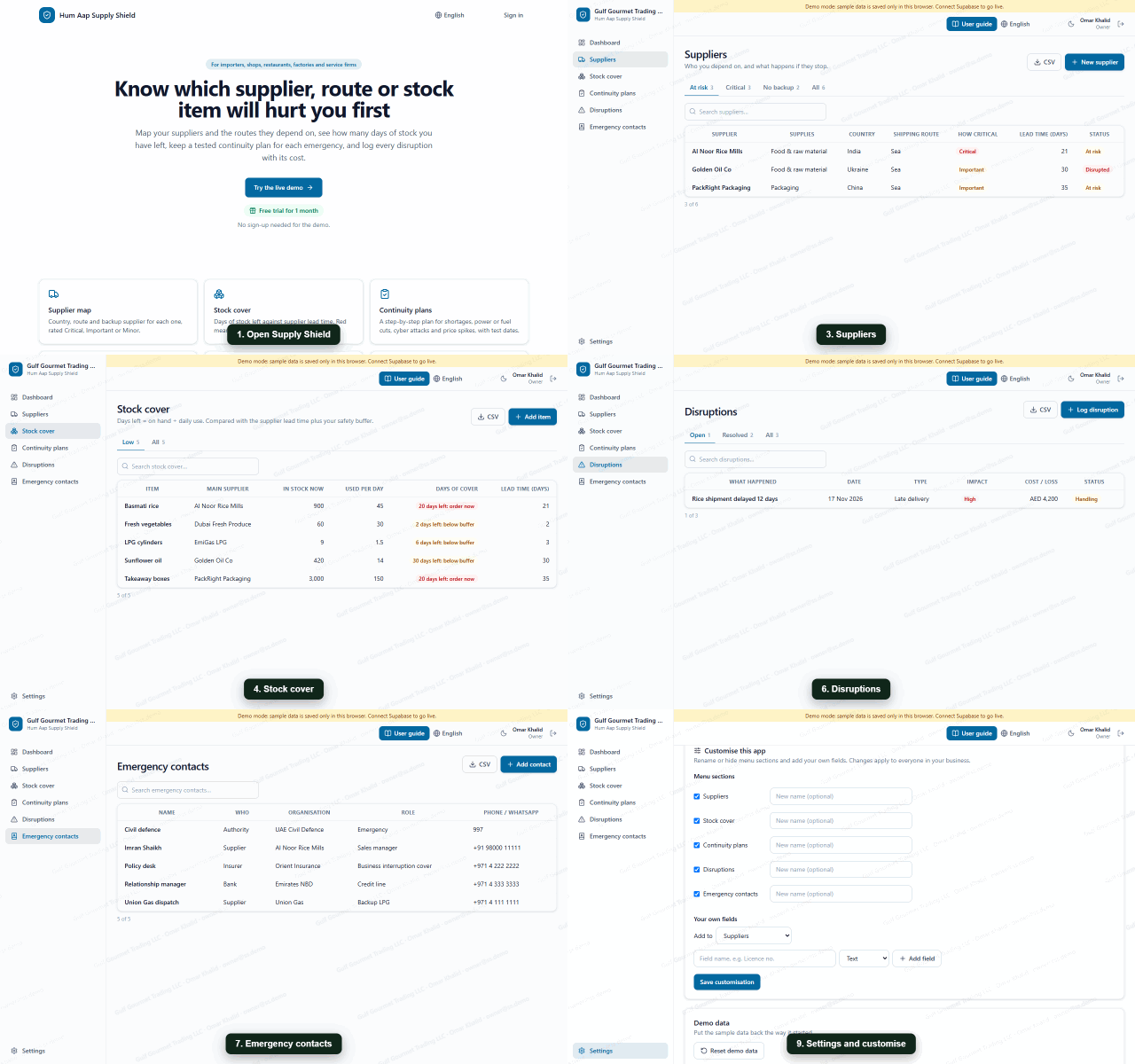
Step by step
- Open Supply Shield
Open https://shield.humaap.in on a phone or computer. Click “Try the live demo” to look around with sample data, or sign up to start your free 1-month trial.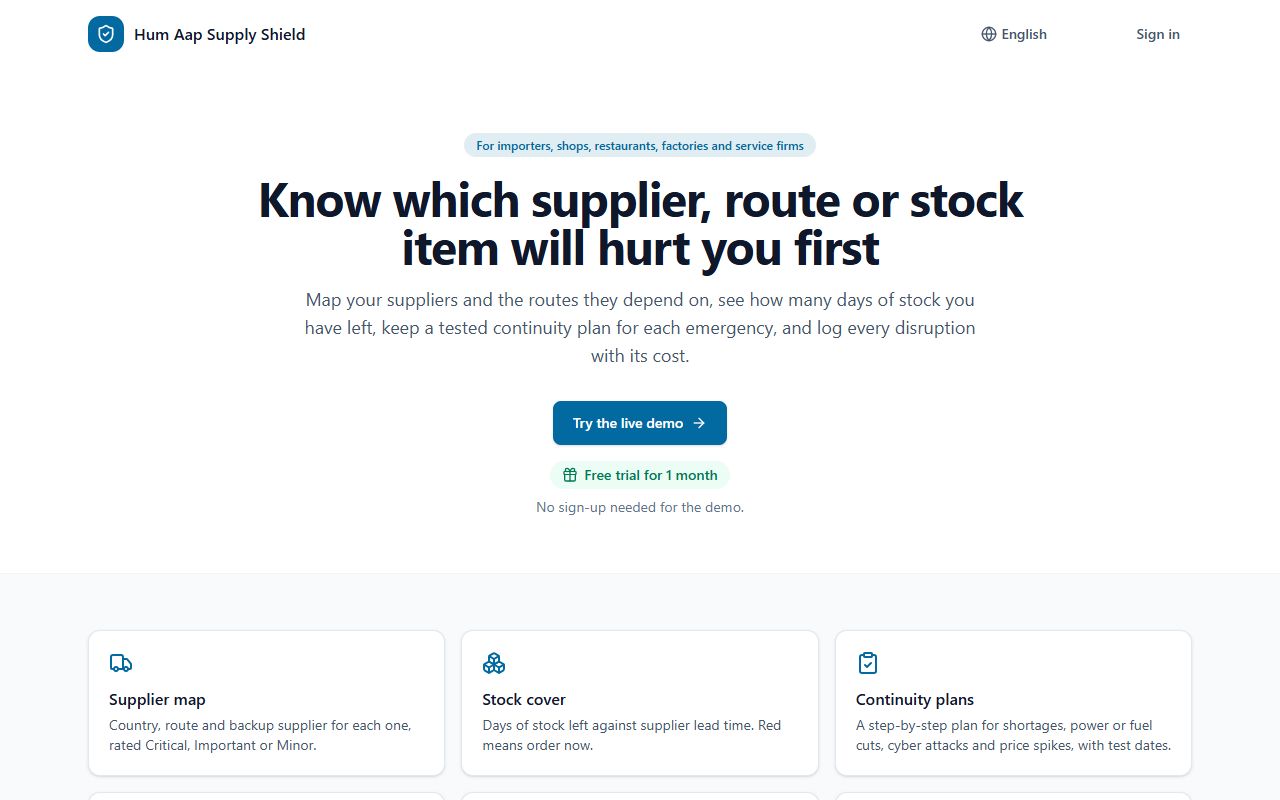
- Dashboard
The dashboard shows today’s numbers and what needs your attention. Click a panel title to open the full list.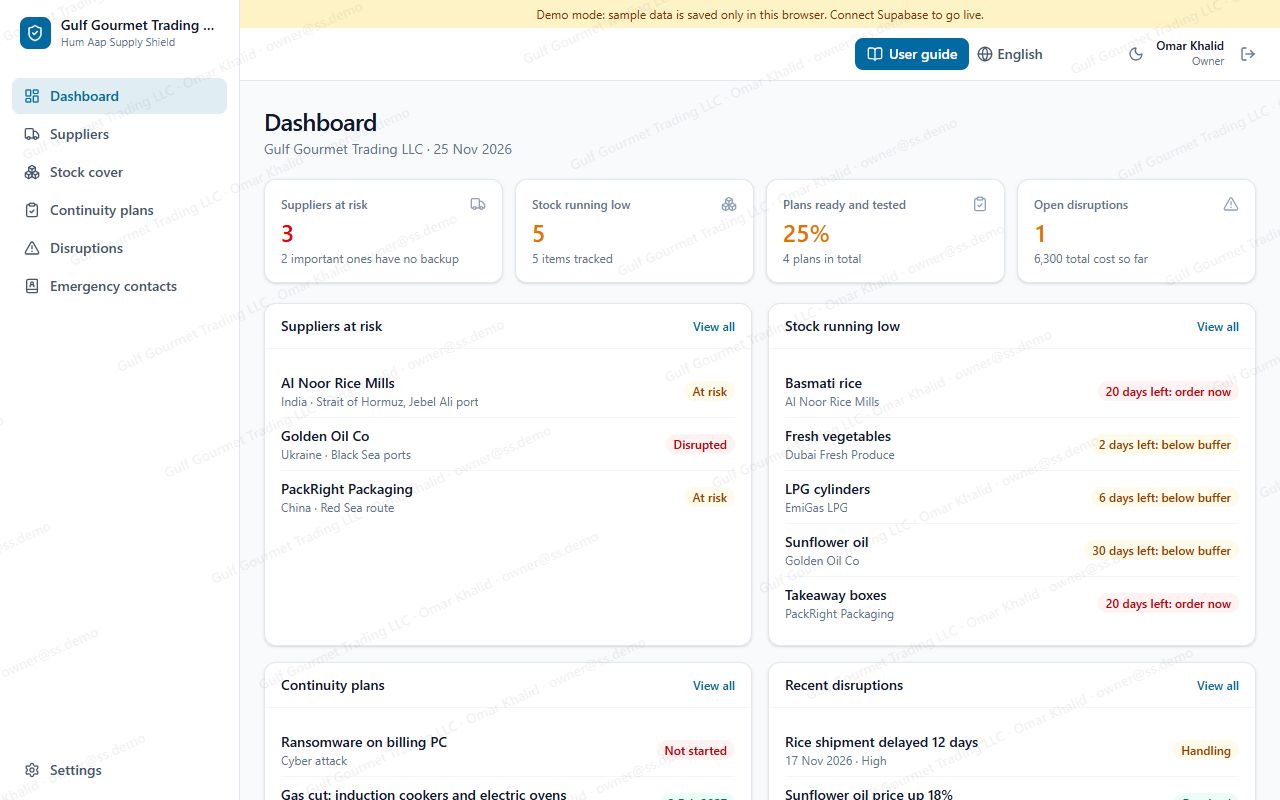
- Suppliers
Who you depend on, and what happens if they stop. Each supplier holds: Supplier, Supplies, Items supplied, Country, Shipping route, Depends on (port, strait, region), How critical, Lead time (days). Tabs at the top filter the list (At risk, Critical, No backup, All).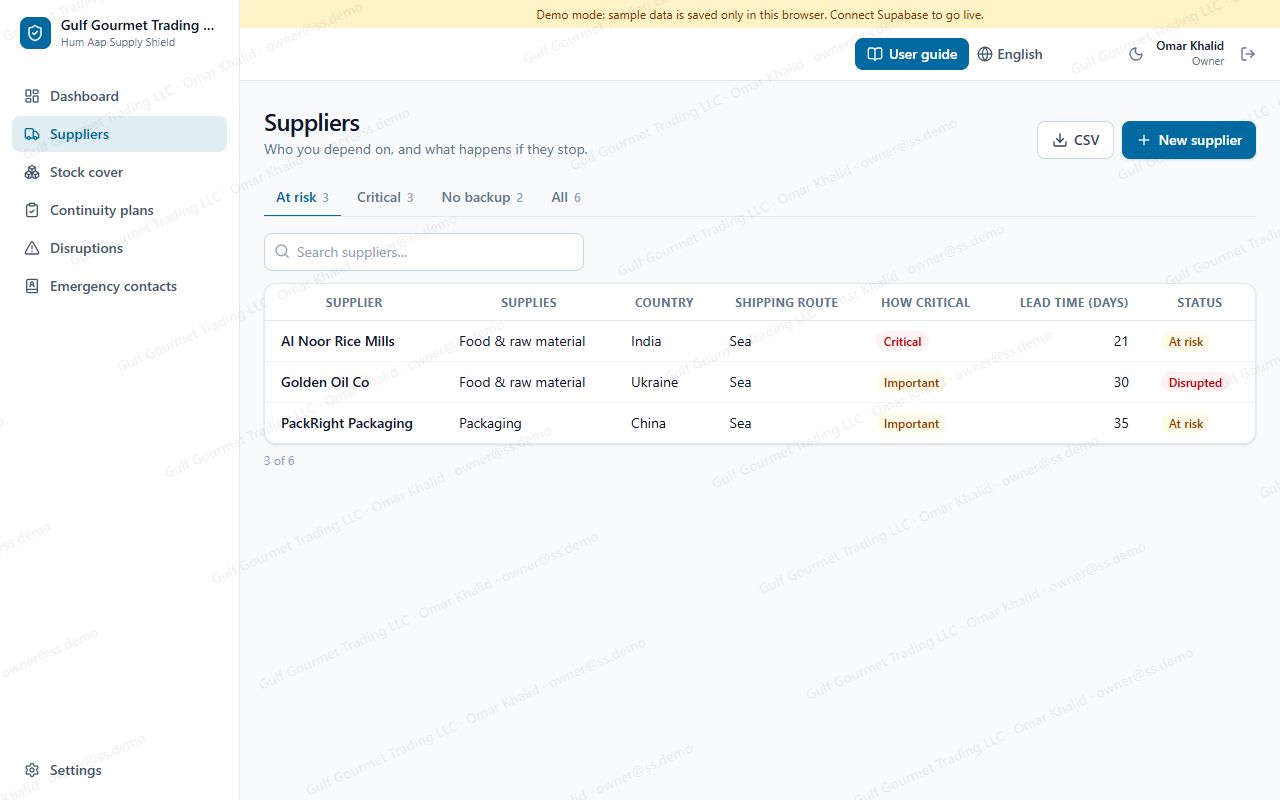
- Stock cover
Days left = on hand ÷ daily use. Compared with the supplier lead time plus your safety buffer. Each stock item holds: Item, Main supplier, Unit, In stock now, Used per day, Lead time (days), Safety buffer (days), Notes. Tabs at the top filter the list (Low, All).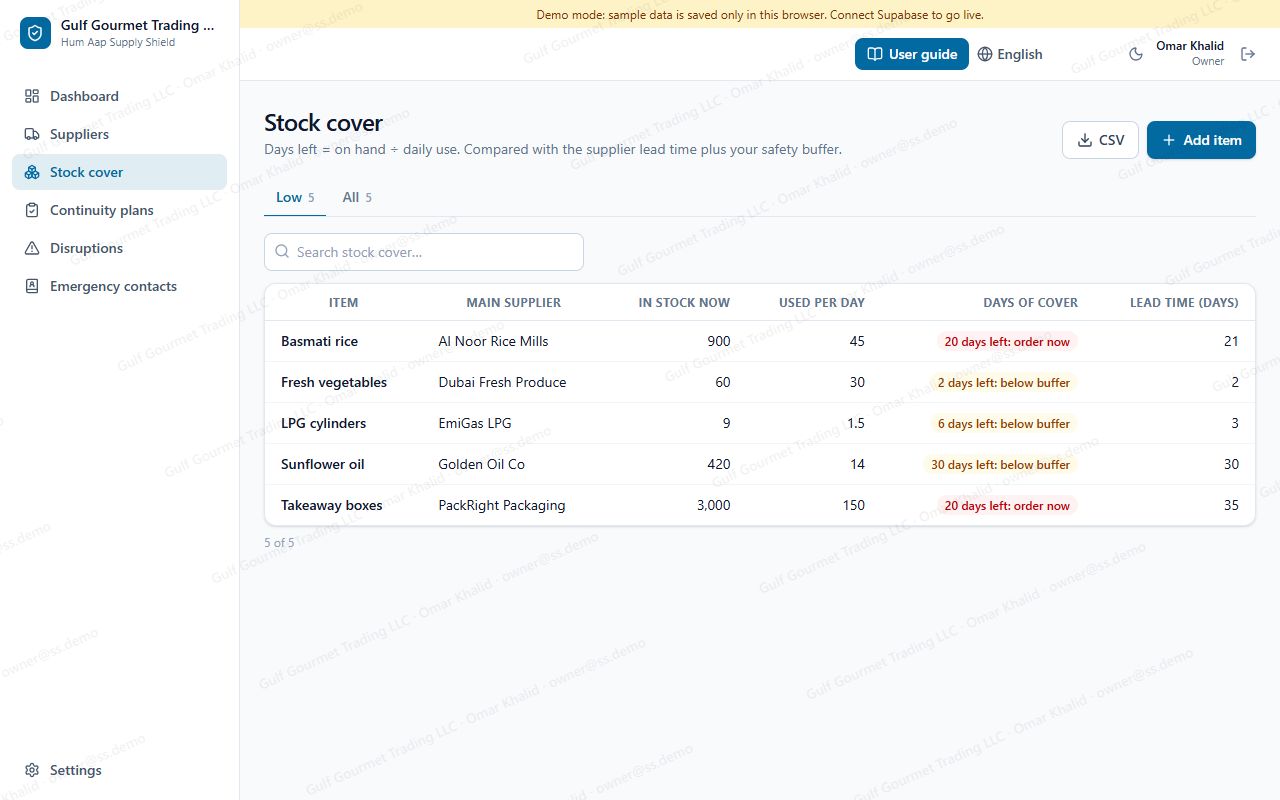
- Continuity plans
What you will do in each emergency, and when you last tested it. Each plan holds: Plan, Emergency, Owner, Status, Last tested, Next test, Steps (one per line). Tabs at the top filter the list (Needs work, Ready, All).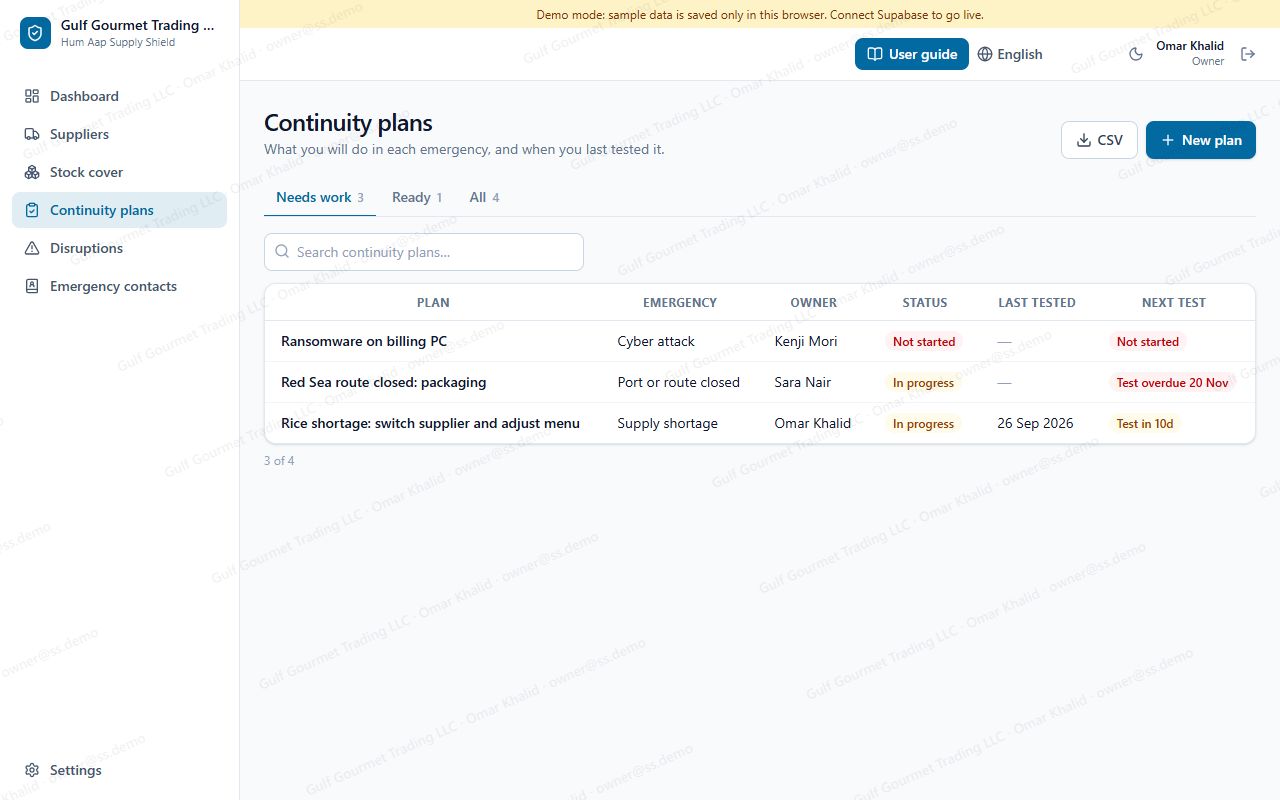
- Disruptions
Each disruption holds: What happened, Date, Type, Impact, Cost / loss, Supplier involved, Status, What we did. Tabs at the top filter the list (Open, Resolved, All).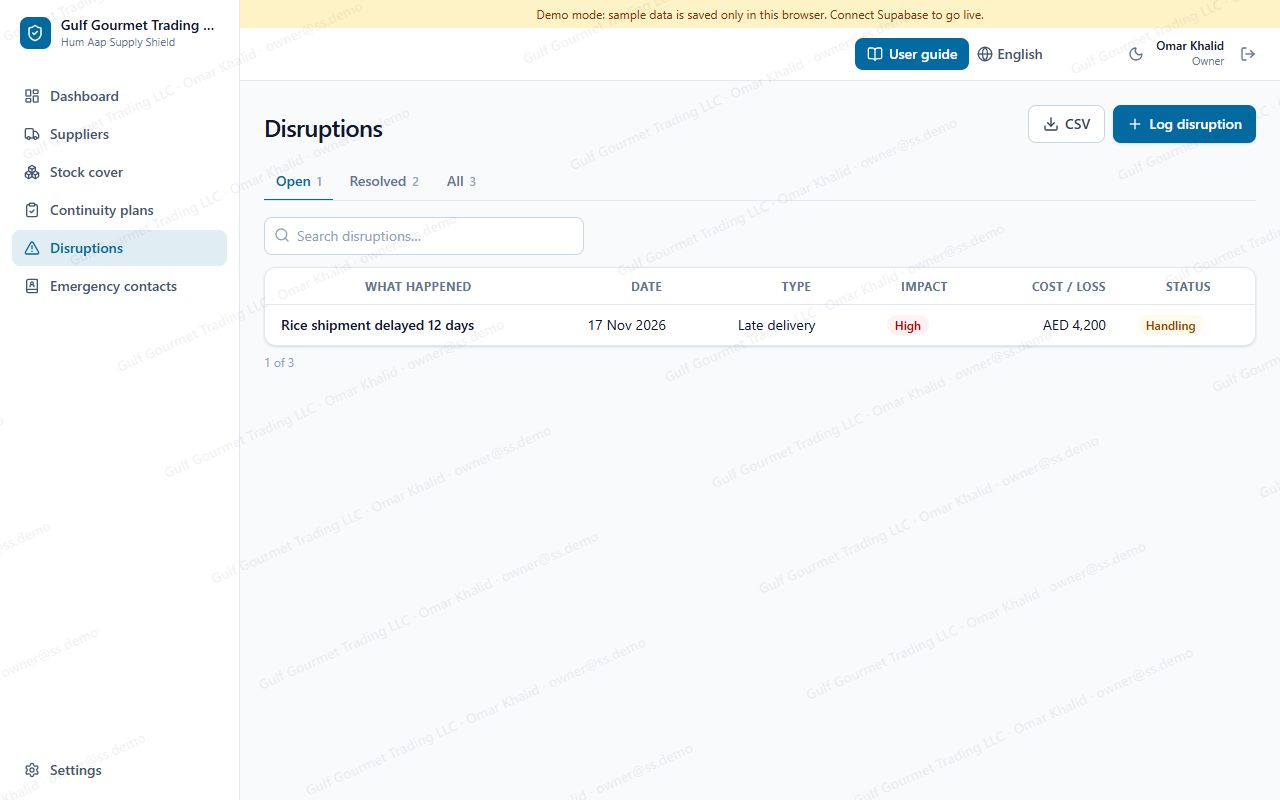
- Emergency contacts
Each contact holds: Name, Who, Organisation, Role, Phone / WhatsApp, Email, Notes.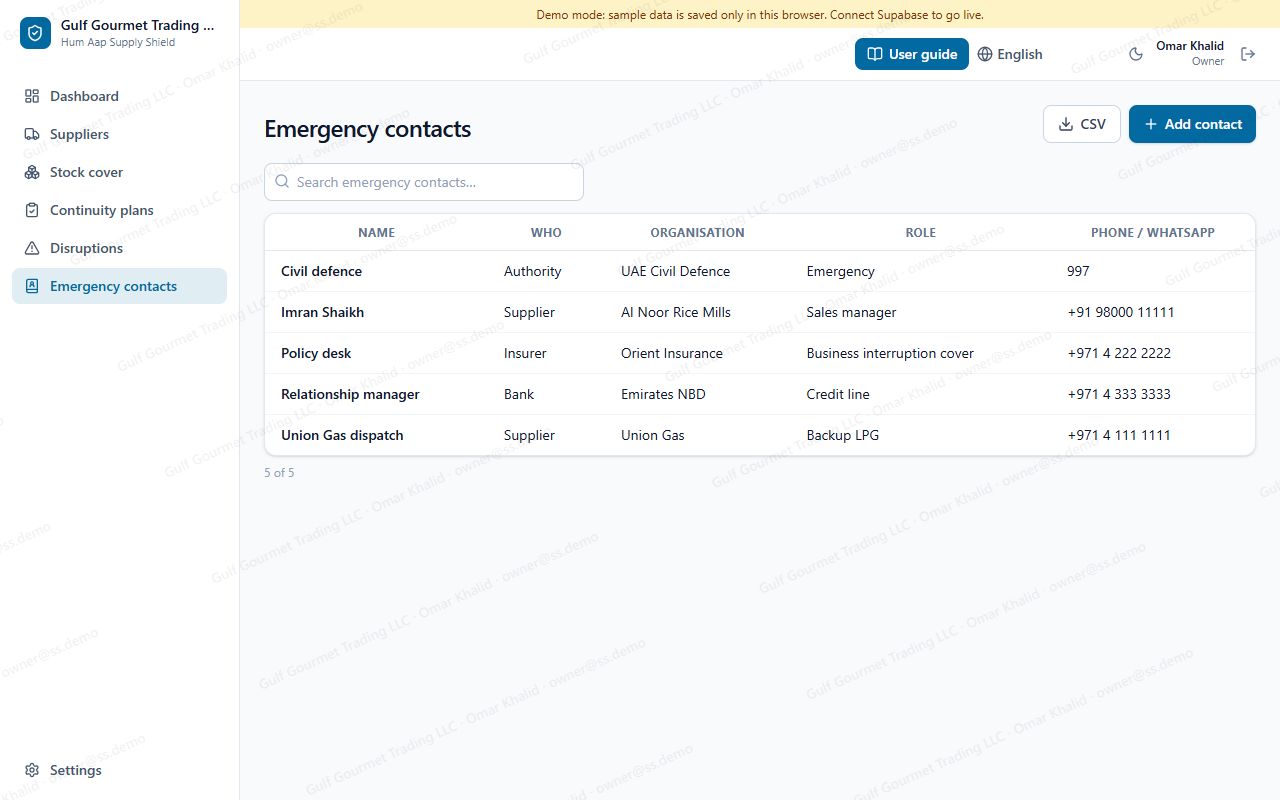
- Add a supplier
Click “New supplier”, fill in the form and click Add. Fields marked * are required.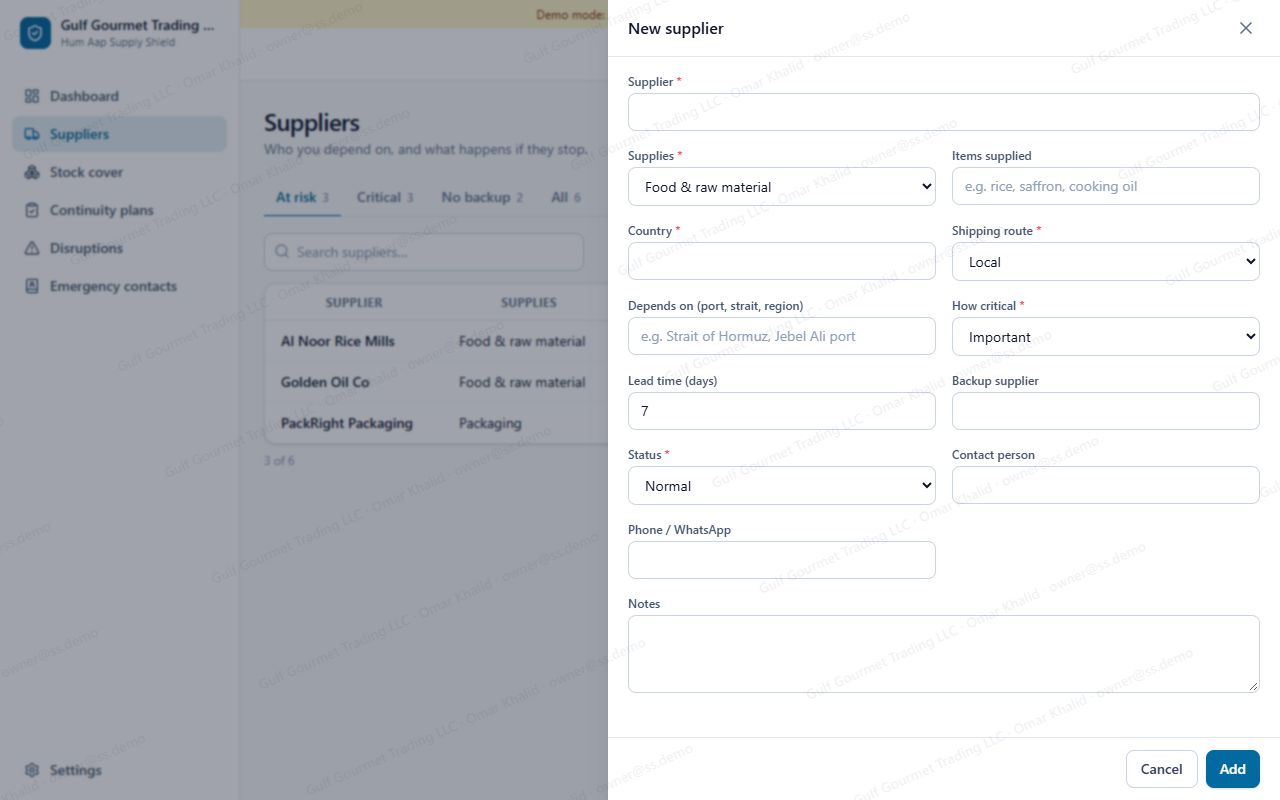
- Settings and customise
Add your business details and logo, invite your team with the join code, and use “Customise this app” to rename or hide menus and add your own fields. Change the language from the globe menu.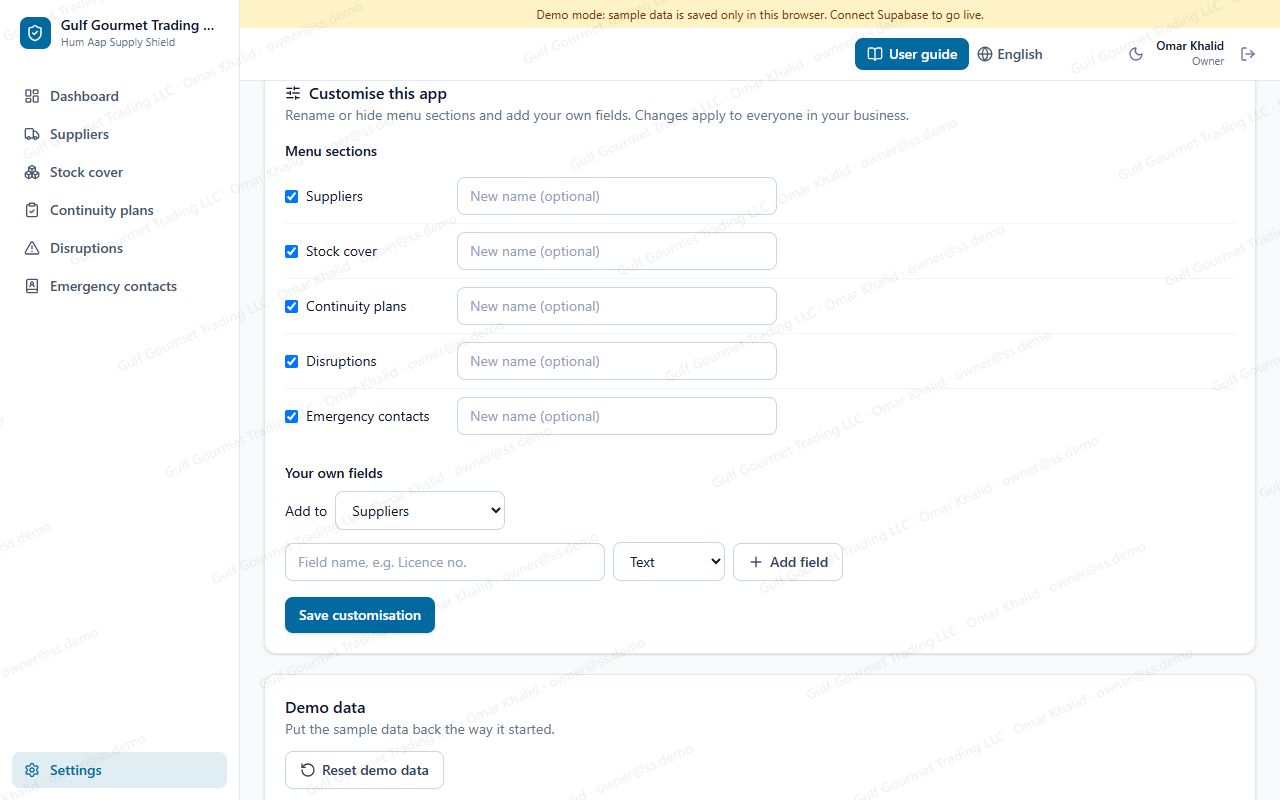
Good to know
- The demo uses sample data saved only in your browser; sign up to use your own data.
- Screens are protected: copying, printing and screenshots are discouraged, and every screen carries a faint watermark with the user’s name.
- Only owners and managers can download data (CSV).
- Works on phone and computer, in 12 languages (globe menu).